01Quotes and invoices from the app
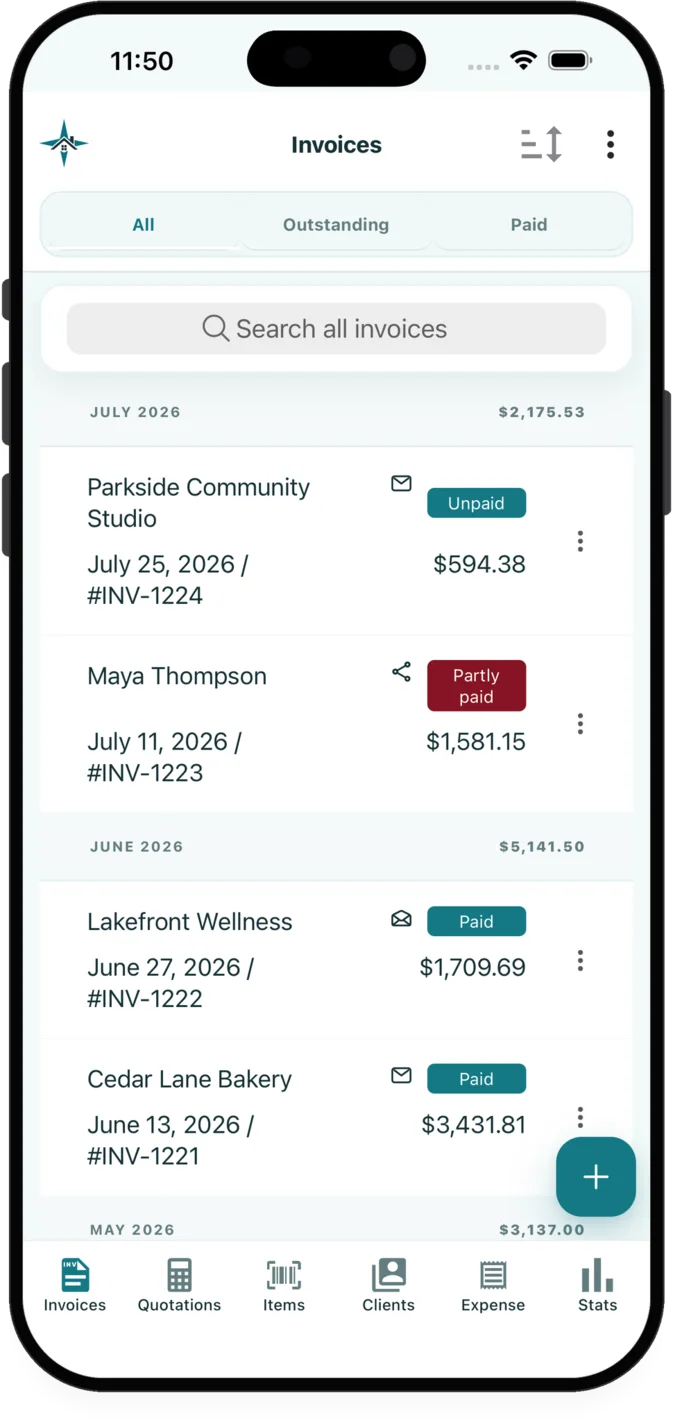
Create, edit, preview and send quotations and invoices on iOS or Android. Convert an accepted quotation into an invoice without re-entering its customer or line items.
Reuse customers and line items, apply taxes or discounts, add notes or photos, and preview the document before delivery.
Invoice listQuotation Editor
02Contracts and separate change orders
Create a contract for an invoice or quotation, collect a signature or initials, and document later scope changes without replacing the original agreement.
Keep the issued agreement intact while recording later scope, schedule and price changes in connected change orders.
Invoice ListQuotation Editor
03Payment, balance and credit records
Record full or partial payments, follow remaining balances, and handle overpayments, tips, refunds and customer credits in the related records.
Maintain a documented balance history when payments, overpayments, credits, tips, refunds or reversals affect a customer record.
Invoice ListQuotation Editor
04Customer payment requests
Request a full balance, percentage or exact amount, and provide a customer payment link or scan-to-pay QR code.
Choose a full balance, percentage or exact amount and give the customer a payment link or scan-to-pay QR code.
Invoice List
05Document delivery and customer pages
Email documents now or later with selected attachments, or share customer document links through WhatsApp, SMS and the device share sheet.
Schedule email delivery, add files or selected private job photos, and share customer pages through familiar mobile apps.
Invoice List
06Expenses and receipt capture
Record business expenses, attach receipt images or PDFs, and use receipt extraction for merchant, amount, date and suggested category details.
Review extracted receipt suggestions before saving, then organize the expense with categories, tags and its supporting pages.
Expense tracking
07Private job-photo galleries
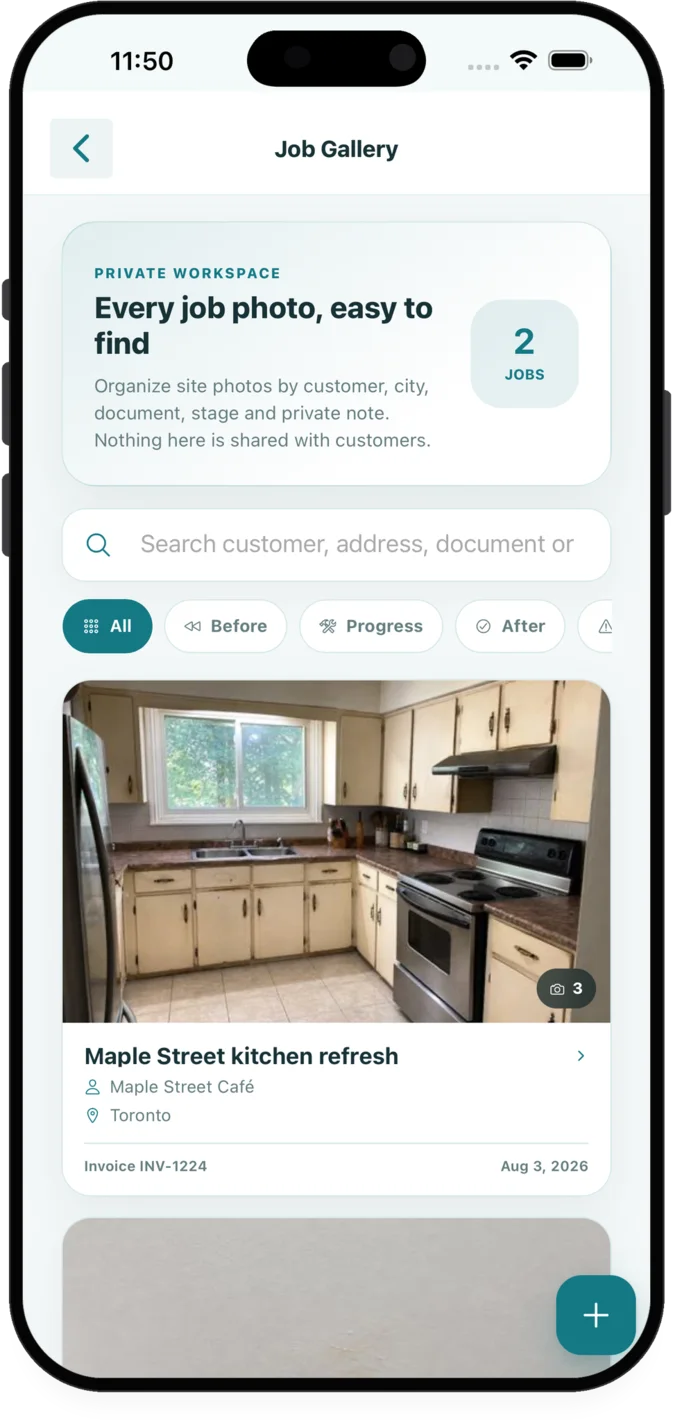
Organize before, progress, after, issue and general photos in private galleries connected to customer and document records.
Keep site evidence connected to the relevant customer and document rather than spread across a camera roll and message threads.
Job Gallery
08Reusable customers, items and inventory
Reuse customer, product and service details with units, prices, taxes and discounts, with optional inventory tracking for saved products.
Use optional stock quantities and low-stock thresholds for saved products while keeping reusable service details available for documents.
Client List
09Recurring invoices and follow-ups
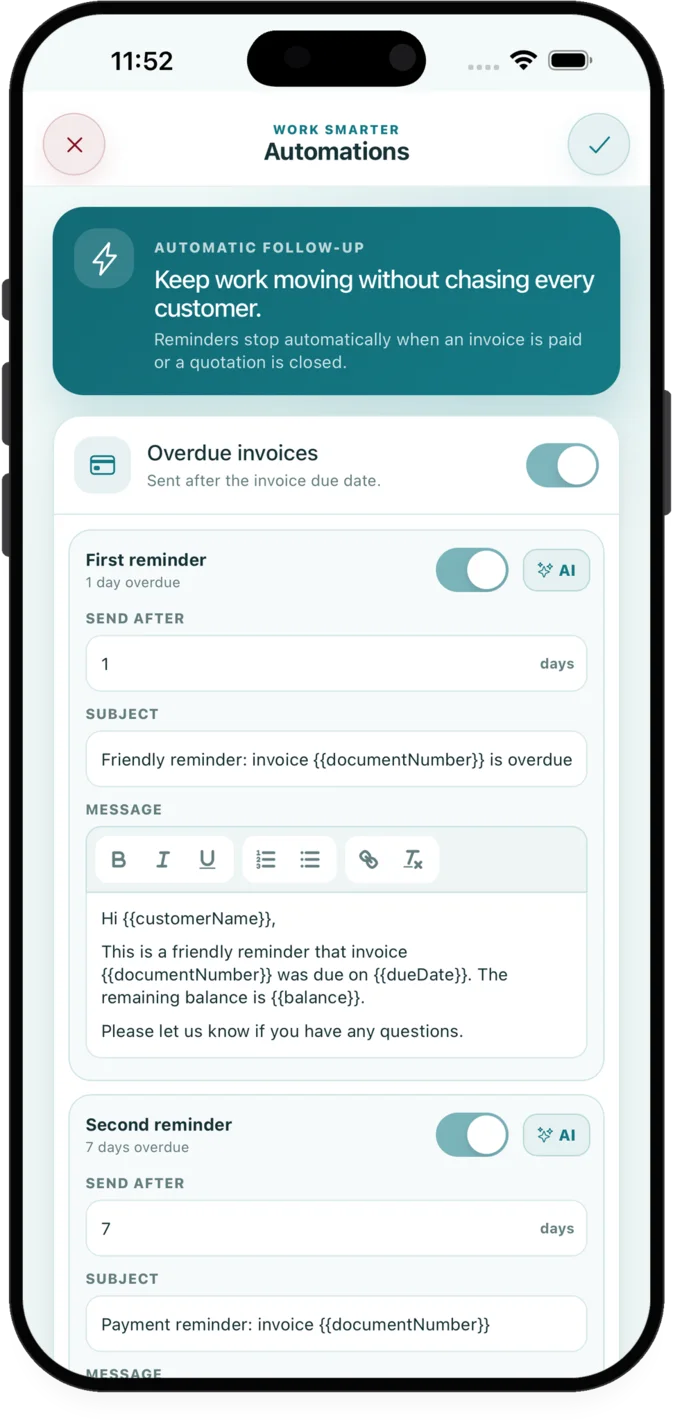
Create recurring invoice schedules and staged invoice or quotation follow-ups that stop when the related document is resolved.
Set weekly, monthly, quarterly or yearly invoice schedules and configure staged messages for outstanding documents.
Invoice List
10Business statistics and exports
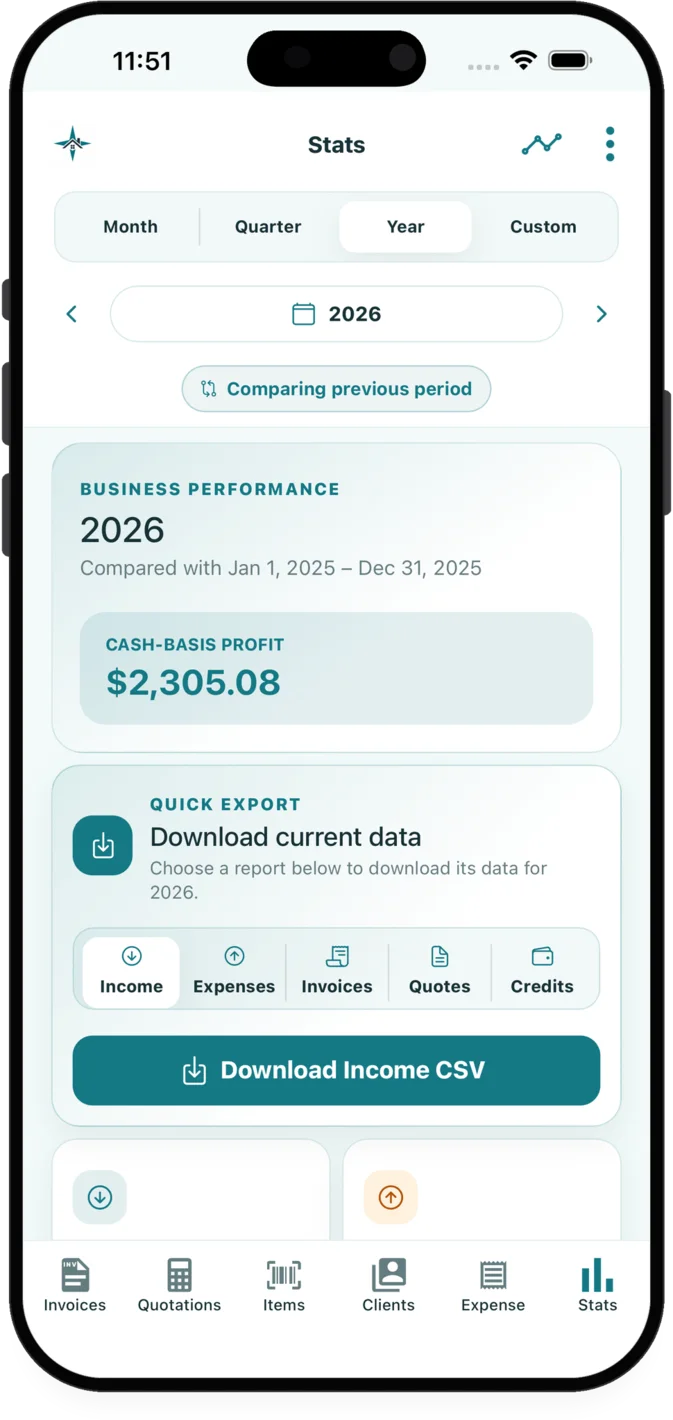
Review income, expenses, receivables, tax, credits and other selected results by period, then export CSV data or business summaries.
Choose reporting periods, review supporting lists and charts, and export data for a closer look or for an accountant.
Statistics dashboard
11Branding and separate business workspaces
Manage multiple business workspaces with separate logos, templates, customers, items, documents, expenses, galleries, credits and settings.
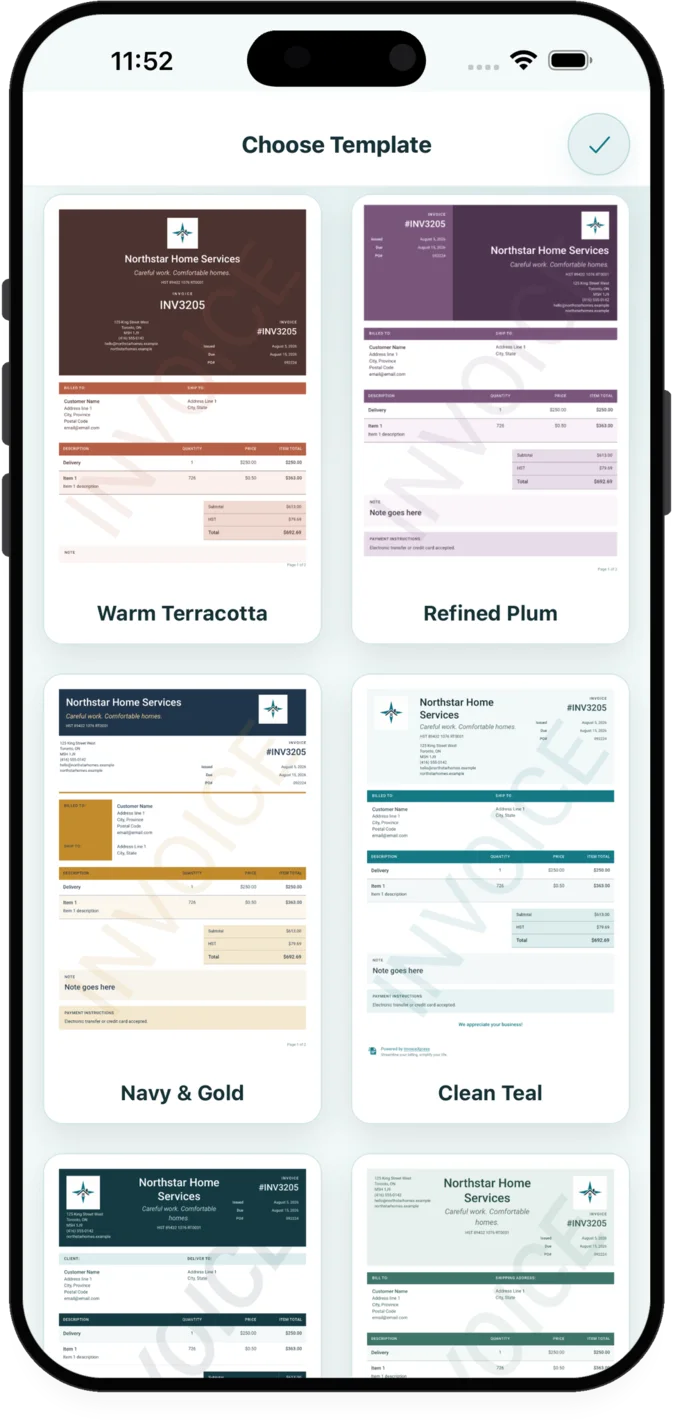
Customize logos, colours, typography, labels, watermarks and document defaults independently for each business workspace.
Business workspace selectionSettings panel
12AI assistance with human review
Draft or refine messages, reminders, follow-ups and contracts with AI assistance while keeping control of the final wording before it is used.
Use the generated draft as an editable starting point; the business remains responsible for reviewing the final customer communication or contract.
Invoice Editor
13iOS and Android field work
Use responsive phone and tablet layouts, keyboard-aware forms, full-screen editors, and light or dark appearance on iOS and Android.
Work with touch-friendly controls and forms designed to remain visible when the mobile keyboard opens.
Settings panel